דלג לתוכן הראשי עט לסרפס מיקרוסופט Microsoft Surface Slim Pen 2 - ZOL4U | זול 4 יו
מבצע!

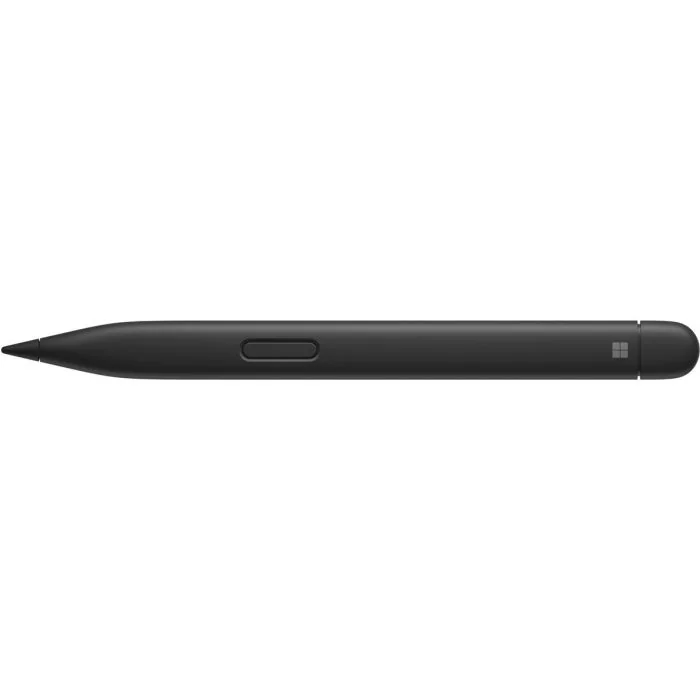
עט לסרפס מיקרוסופט Microsoft Surface Slim Pen 2

ממשק Bluetooth 5.0 אלחוטי מחיקה באמצעות כפתור ייעודי 4096 דרגות לחץ שונות מצוין עבור כתיבה או איור – מגע טבעי על לוחות סרפס ודיוק מירבי חלק מתכונות העט עובדות רק עם הסרפס לפטופ סטודיו או הסרפס פרו 8/9

אחריות: שנה אחריות ע"י היבואן זול פור יו.

המחיר המקורי היה: ₪ 899.המחיר הנוכחי הוא: ₪ 799.

זמין במלאי - אין צורך לוודא טלפונית

סה"כ לתשלום: 0.00 ₪

צ׳אט עם נציג

יתרונות חשובים

אפשרויות משלוח

איסוף עצמי - מהחנות - בתיאום מראש חינם שעות פעילות החנות: א-ה 09:30-18:30, יום ו וערבי חג 09:30-13:00
משלוח Cargo Box - לכל חלקי הארץ. חינם
משלוח לכל חלקי הארץ Cargo Express  49
משלוח עד בית הלקוח לכל חלקי הארץ  39
שליח פרטי באותו היום - גוש דן (דרום)  89 *להזמנות שהתקבלו לפני 11:00 באותו יום עסקים*
שליח פרטי באותו היום - גוש דן (צפון)  99 *להזמנות שהתקבלו לפני 11:00 באותו יום עסקים*
איסוף עצמי - מגני תקווה עוד היום - בתיאום מראש חינם
איסוף עצמי - מיישוב לפיד עוד היום (סמוך למודיעין מכבים רעות) - בתיאום מראש חינם
אחריותשנה אחריות ע"י היבואן זול פור יו.


Surface Slim Pen 2 is a rechargeable pen for Surface, now with an improved design, sharper pen tip, and better performance.


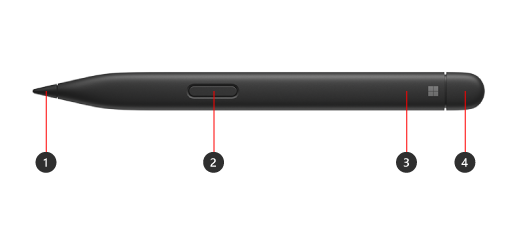
Get to know Surface Slim Pen 2



  1. Pen tip

  2. Right-click and select button

  3. LED light

  4. Eraser and top button

Charge your pen

You need to charge your pen before using it. Place it in the charging area of your device or accessory.

Your Surface Slim Pen 2 can be charged by a Surface Laptop Studio, Surface Pro Signature Keyboard, and more.

Note: To use your pen for the first time, you need to charge it for 1 second to wake it up. 

Pair it to your Surface

When the Pen is charged, use Bluetooth to pair your pen to a Surface. Pairing lets you use the pen's shortcut button to quickly open apps and perform other shortcuts while using the pen. Here’s how:

Windows 11

  1. Select Start Settings Bluetooth & devices Add device Bluetooth.

  2. Press and hold the top button of your pen for 5-7 seconds until the LED light flashes white to turn on Bluetooth pairing mode.

  3. Select Surface Slim Pen 2 to pair your pen.

Windows 10

  1. Select Start Settings Devices Add Bluetooth or other device Bluetooth.

  2. Press and hold the top button of your pen for 5-7 seconds until the LED light flashes white to turn on Bluetooth pairing mode.

  3. Select Surface Slim Pen 2 to pair your pen.


Use tactile signals with your Surface

Here's how to adjust your tactile signals for your pen on Windows:

  1. Select Start Settings Bluetooth & devices Pen & Windows Ink Tactile signals, then make sure this setting is turned on.

  2. In Tactile signals, you can adjust when you'll feel these signals and adjust the intensity of these signals.

Replace Surface Pen tips

Surface Slim Pen 2 is equipped with an easily removable pen tip.

Note: Our premium Surface Slim Pen 2 is equipped with an easily removable pen tip. Removal is intended only for pen tip replacement. Excessive (500 or more) removal+ reinsertion cycles of the pen tip can damage the internal parts of the pen and lead to inking failures. Pen failure due to excessive removal and reinsertion cycles is not covered under the product warranty.


ממשק Bluetooth 5.0 אלחוטי מחיקה באמצעות כפתור ייעודי 4096 דרגות לחץ שונות מצוין עבור כתיבה או איור – מגע טבעי על לוחות סרפס ודיוק מירבי חלק מתכונות העט עובדות רק עם הסרפס לפטופ סטודיו או הסרפס פרו 8/9

אחריותשנה אחריות ע"י היבואן זול פור יו.

אולי תרצו לקנות גם

  • מבצע
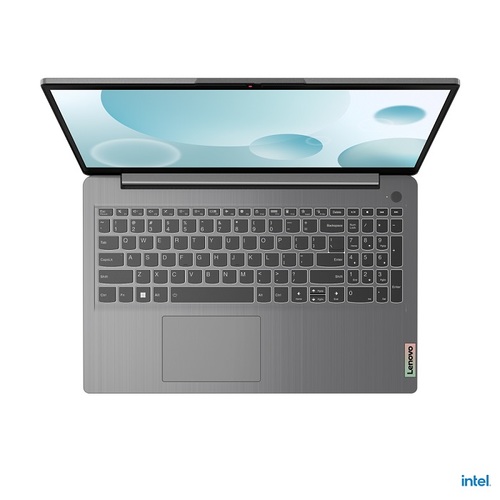
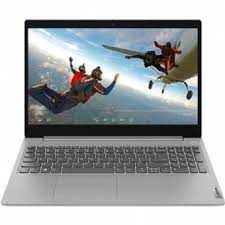
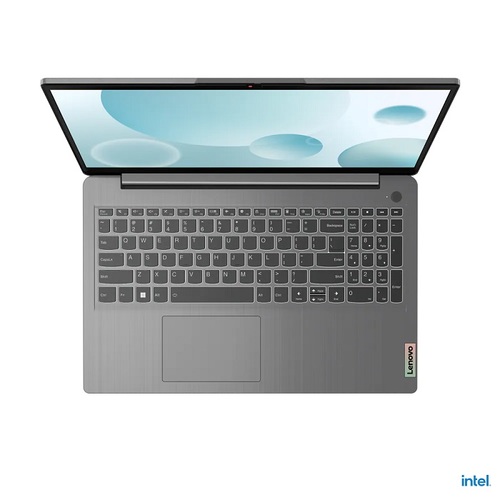
מחשב נייד Lenovo IdeaPad 3 15IAU7 82RKRAMGIV לנובו
זמין במלאי
 3,500
 3,350
  • מבצע
מחשב נייד Lenovo IdeaPad 3 15IAU7 82RK00CMIV לנובו
זמין במלאי
 1,599
 1,578
  • מבצע
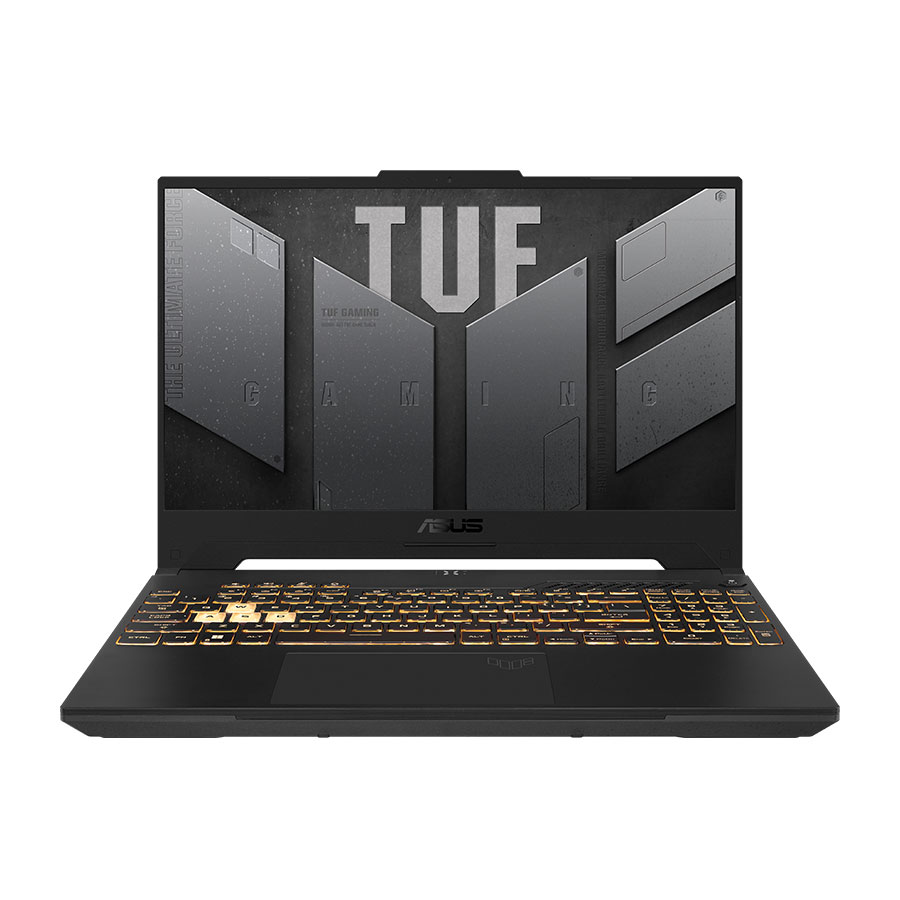
מחשב נייד Asus TUF Gaming F15 FX507ZV4-HQ043 אסוס
זמין במלאי
 6,491
 5,880
  • מבצע
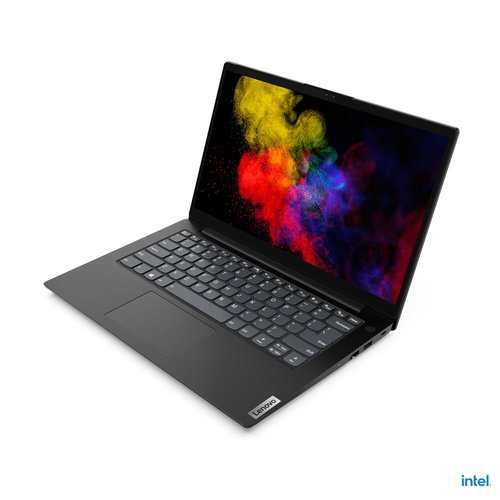
מחשב נייד Lenovo V14 G2 ITL 82KA001NIV לנובו
זמין במלאי
 1,950
 1,350
  • מבצע
מחשב נייד Lenovo IdeaPad 3 15IAU7 82RK00CVIV לנובו
זמין במלאי
 2,400
 1,745
מכבדים את הפרטיות שלך!
אנחנו משתמשים בעוגיות (cookies) לשיפור חוויית הגלישה שלך, הצגת הצעות מותאמות ועוד.
כמפורט במדיניות הפרטיות שלנו.
עט לסרפס מיקרוסופט Microsoft Surface Slim Pen 2
המחיר המקורי היה: ₪ 899.המחיר הנוכחי הוא: ₪ 799.